DAY 2: Find Tags for Your Listing


Fix your listing with better keywords
Yesterday, you identified what’s holding your listing back. Today, you’ll fix it by choosing better keywords.
Most visibility issues come down to one thing: targeting the wrong keywords.
Goal = Find and save strong keywords you can use to improve your listing.
By the end of today, you will:
- Discover keyword ideas buyers are searching for
- Identify strong keyword opportunities
- Save your best keywords ⭐
Step 1: Brainstorm Keywords
Take the low performing listing you identified yesterday.
Think like a buyer:
- What is the product?
- Who is it for? (e.g. mom, friend, pet owner)
- What style or aesthetic? (e.g. minimalist, boho)
- What colors, patterns, materials, or techniques describe your product?
- What occasion, season, or use? (e.g. gift, wedding, everyday use)
Write down at least 5–8 keyword ideas.
Step 2: Turn Your Ideas Into Data
Now let’s validate your keyword ideas with real search data.
Open the Bulk Keyword Tool and enter the keywords you just wrote down.
Learn how to use the Bulk Keyword Tool
🔇 No audio: These videos are designed to be followed with on-screen instructions.
Spot Strong Keywords
For each keyword, check:
- Search volume → Are people searching for it?
- Competition → How many listings are targeting it?
Look for keywords with:
- Good search volume
- Lower competition
- Clear relevance to your product
In the eRank Keyword Tool, look for something like this:
💡 Tip: If a keyword is too competitive, try a more specific version.
Example: “mug” → “ceramic coffee mug” → “handmade ceramic mug”
Don’t worry about finding the perfect keyword yet, just explore and compare.
Step 4: Save Your Best Keywords ⭐
Click ⭐ next to a keyword to save it to your list.
Skip keywords with little to no search volume, they won’t bring traffic.
Your keyword list helps you:
- Compare options
- Choose the best keywords
- Reuse them later
-------------------------------------------------------------------------------
💡 Free plan?
If you can’t save keywords in eRank, copy and paste them into a document or spreadsheet instead.
🔇 No audio: These videos are designed to be followed with on-screen instructions.
-------------------------------------------------------------------------------
Step 5: Expand Your Keyword Ideas
Now that you’ve validated your initial keywords, it’s time to find more opportunities.
Enter a keyword in the Keyword Tool search bar, or click one from your bulk results to look for:
- Variations of your keyword ideas
- Related search phrases
- More specific (long-tail) keywords
- Regional keywords (example: flip flops / thongs sandals)
⭐ Save at least 15–20 keywords in your list or spreadsheet.
Step 6: Choose Your Etsy Tags
Now it’s time to narrow your list down.
From your saved keywords:
- Select your best 13 keywords, these will become your Etsy tags
- Use a mix of broad and specific keywords to balance visibility and competition
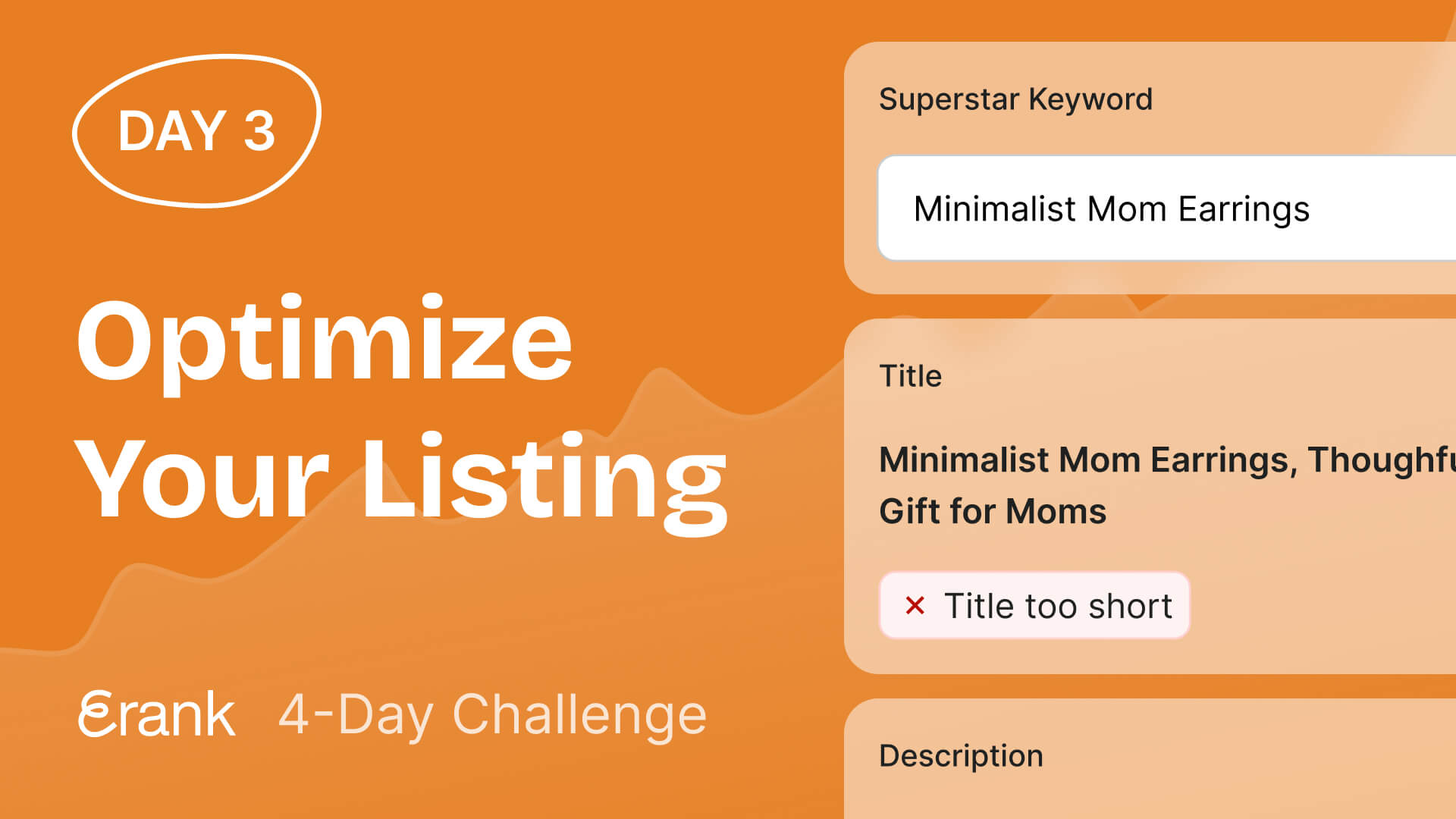
- Pick Your Superstar Keyword: choose one keyword to focus on. This is your primary keyword. The one you most want your listing to rank for. This will guide your title, tags, and description tomorrow.
💡 Tip: You don’t need perfect keywords, just choose the strongest options from your list.
Day 2 in the books
What you accomplished
Today you:
✅ Thought like a buyer to generate keyword ideas
✅ Validated your ideas using real search data
✅ Identified strong keyword opportunities
✅ Built a keyword list of 15–20 keywords ⭐
✅ Selected your best 13 keywords for your listing
✅ Chose a primary keyword to focus on
You now have a data-driven keyword strategy to improve your listing.
Tomorrow: We Optimize Your Listing
You’ll put your keywords into action and learn how to:
⚙️ Add your keywords to your title and tags
⚙️ Structure your listing for better visibility
⚙️ Improve how your listing appears in search
👉 You’ll turn your keyword strategy into real listing improvements.
Day 2 Mini Quiz: Think Like a Keyword Strategist

.webp)