Day 2: Shop policies and FAQs



Welcome to Day 2!
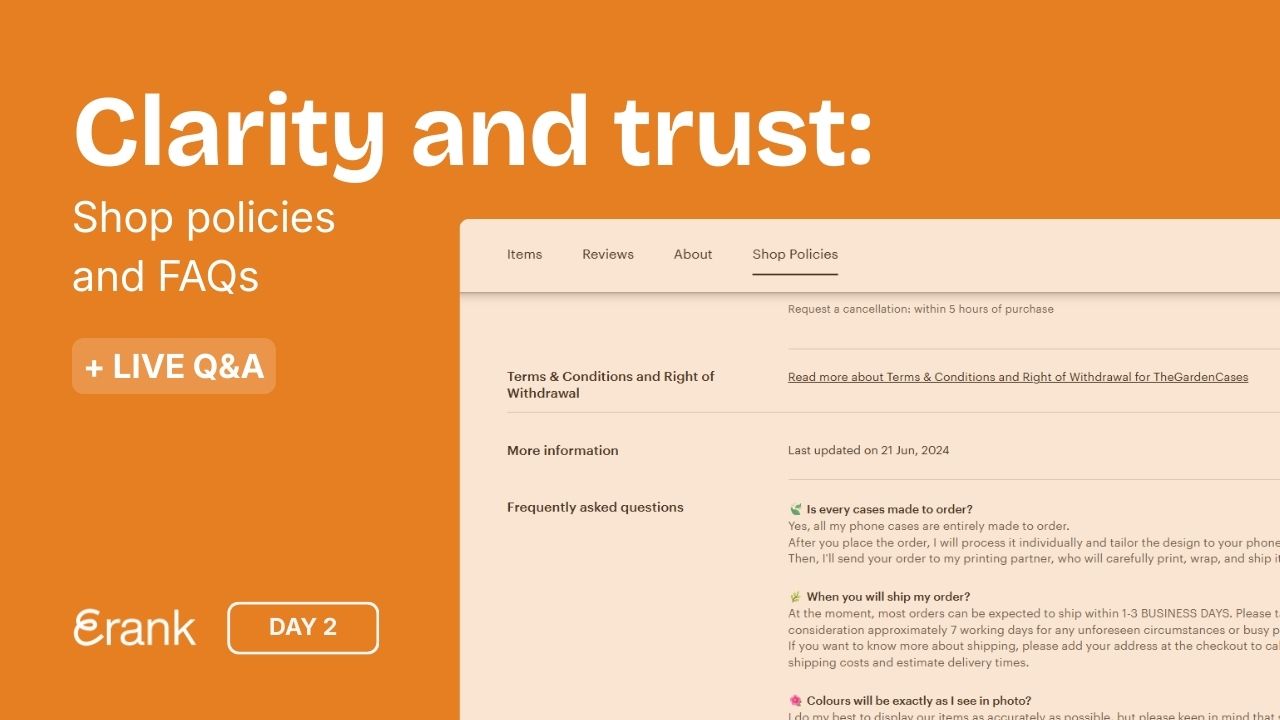
Today, we are going to focus on your “Shop policies” and “FAQ” sections. These are two key areas that help build trust and improve your shop's performance.
Why Shop Policies Matter
Skipping these or not completing them is one of the most common mistakes sellers make. Although it may seem mundane, Etsy tells sellers in their Checklist: Optimize Your Shop for Etsy Search article that:
“Having shop policies has a positive effect on your search placement and using Etsy’s shop policies template can give you an additional boost.” - Etsy's Seller Handbook
Not only can filling out policies give you a boost, it also prevents potential issues with buyers. Having clear expectations, return policies, and answers to common questions can heighten the shopping experience and give your shop a professional vibe.
How to Add or Update Your Shop Policies
Follow these steps to review or complete your shop’s policies, via desktop (as Etsy doesn’t allow full policy access via the Etsy Seller App):
- Go to your Shop Manager → Settings → Policy Settings
- Review and complete each section
💡Please Note
You may have additional policies to complete (such as GPSR or EU requirements) depending on your shop’s location and which countries you sell to.
If you need more guidance on how to fill out your policies, read Etsy’s help article How to Set Up Your Shop Policies.
Adding FAQs to Your Shop
Now add some FAQs. Go to your Shop Home editor by clicking the pencil icon next to your shop name under the “Sales Channel” area in your Etsy Shop Manager sidebar.
- Scroll all the way down to the “Frequently asked questions” section
- Click “Add an FAQ” to access the form for adding both the question and the answer. You can choose one of Etsy’s pre-filled questions, or click “Custom” to craft your own!
What to Include in Your FAQs
Stuck on what to add? We’ve got you:
- use previous questions buyers have asked
- talk about custom order processes
- give helpful information regarding shipping
Tips for Writing Effective FAQs
- Make sure that your answers are clear and concise
- Speak in your brand’s “voice”
- Avoid information overload so your customers aren’t left with even more questions after visiting this section!
Watch the Replay of Day 2’s Live Coaching Session!
Our live session featuring this topic is now available to watch on replay.
Don’t miss this opportunity to learn, explore the topic, and engage with the community at your own pace.
Click play on YouTube to watch it now!
Day 2’s Assignments
- Complete all of your “Shop policies” sections, including returns and privacy policies
- Include GPSR and relevant EU policies, if needed
- Add at least three FAQs
Your Day 2 Instagram stories to share in 3 steps:
- Choose one of the three story templates below. Click to open, download, or screenshot it.
- Share it on Instagram to show what you’re working on today. Add a personal touch: share who your shop is for or include a question box to connect with your audience.
- Tag @erankseo, and we’ll reshare your story and cheer you on!