Day 3: Find your niche
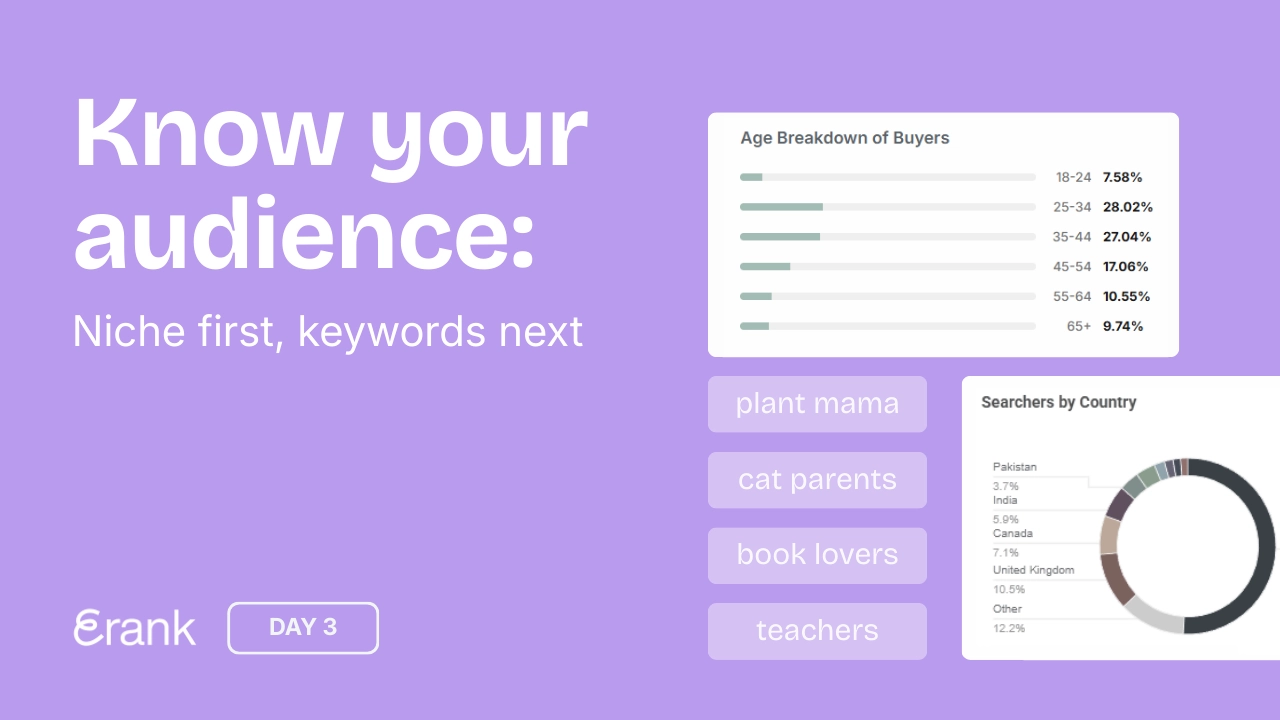




Welcome back! Let’s Define Your Niche
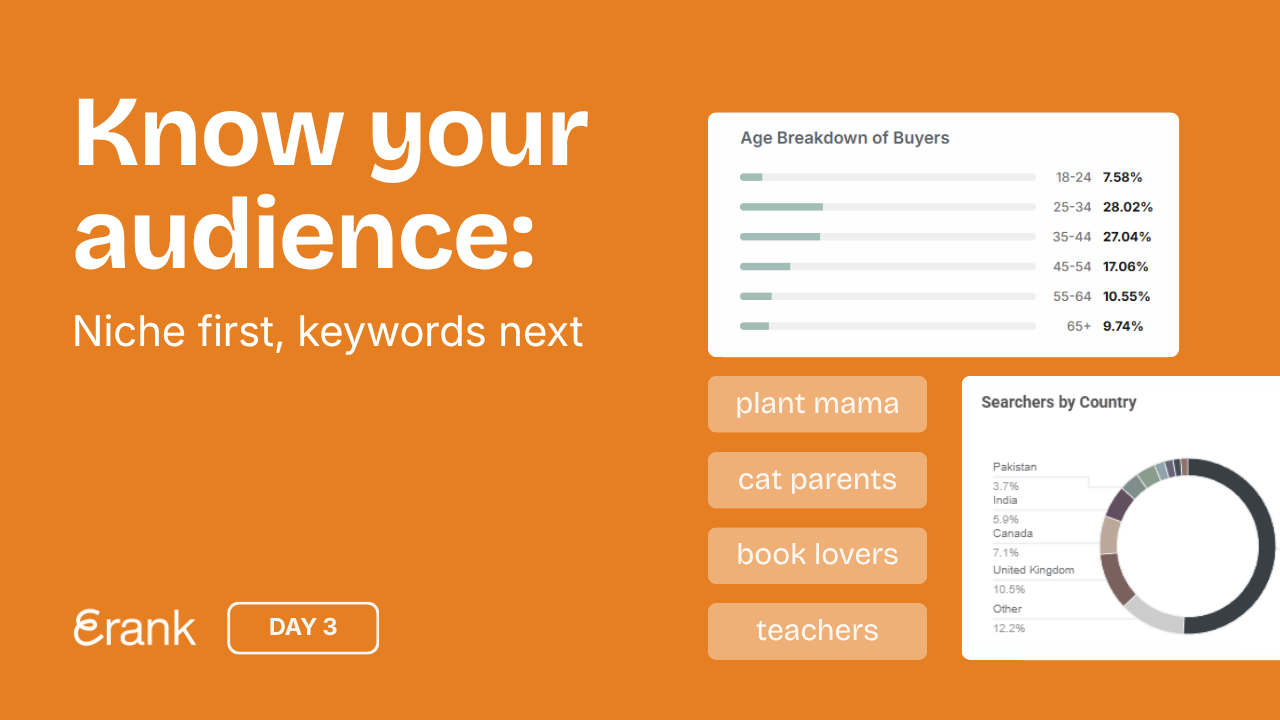
Now that your Etsy shop policies and FAQs are filled out, it’s time to think about the products you want to sell (or are selling), what your niche is, and who your target audience is.
Why a Niche is Key to Success
While it is tempting to try and cater to a wide audience by offering a little bit of everything, the most successful shops on Etsy have a clear, well-defined niche. You want visitors to come to your shop and feel a sense of belonging, as if the items in your shop were made specifically for them.
Need Help Defining Your Niche?
If you’re having trouble defining your niche, watch eRank coaches Pam & Starla discuss the ins and outs of choosing one and how to refine your shop to fit within your chosen niche:
You can also:
- Read our team’s blog post 5 Steps to Find Your Niche, which provides a step-by-step guide on choosing your niche and defining your target audience
Explore Trends and Buyer Behavior
Once you’ve chosen a niche, dive deeper into product trends and buyer behavior:
- Take some time to find hot products within Etsy categories with our Monthly Trends tool
- Use the Category Report to learn about buyer behavior in your product category (paid feature).
Start Building Your Keyword List
While exploring trending items within your chosen niche or category, take the opportunity to begin a keyword list of product ideas. This feature allows you to save and group keywords alongside their latest search data (which refreshes every month). You can color-code, sort, add notes, and add more keywords as you research.
This tool saves you time later on by keeping your superstar phrases close at hand for when you want to list new products.
Day 3’s Assignments
- Define your niche; the types of products you want to sell and who your target audience is
- Start a keyword list on eRank
- Save five keywords to your keyword list
- Add the Shortcut Button to your browser bookmarks (Bonus!)
💡Bonus Tool
There is another eRank tool to help you determine who your competition is and what keywords are popular within your chosen niche. The Shortcut Button is a simple browser bookmark that instantly opens the right eRank tool based on what you’re viewing on Etsy.
After dragging the button to your bookmarks bar, click it while browsing Etsy listings to open Listing Audit, while viewing shops to open Shop Info, or while looking at search results to open the Keyword Tool with the search term preloaded. The shortcut streamlines research by taking you directly to the relevant tool with one click.
Your Day 3 stories to share
- Choose one of the three story templates below. Click to open, download, or screenshot it.
- Share it on Instagram to show what you’re working on today. Add a personal touch: share who your shop is for or include a question box to connect with your audience.
- Tag @erankseo, and we’ll reshare your story and cheer you on!