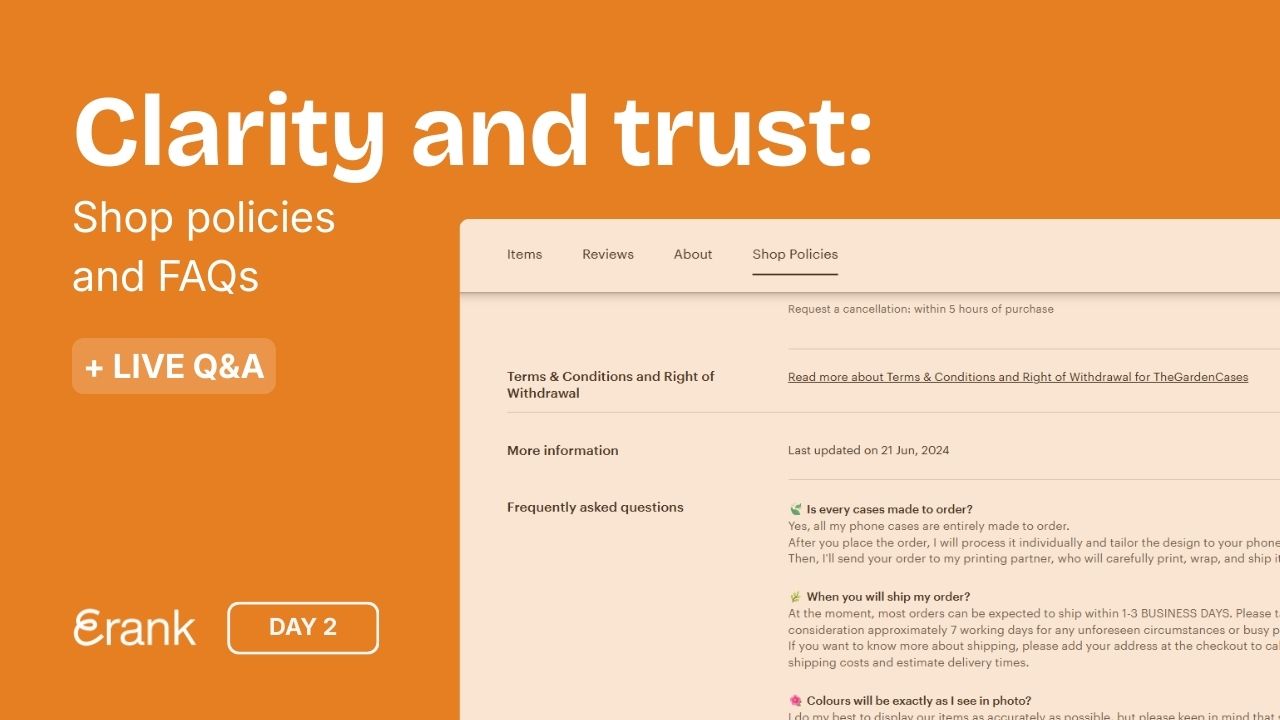
Day 4: Tell your story
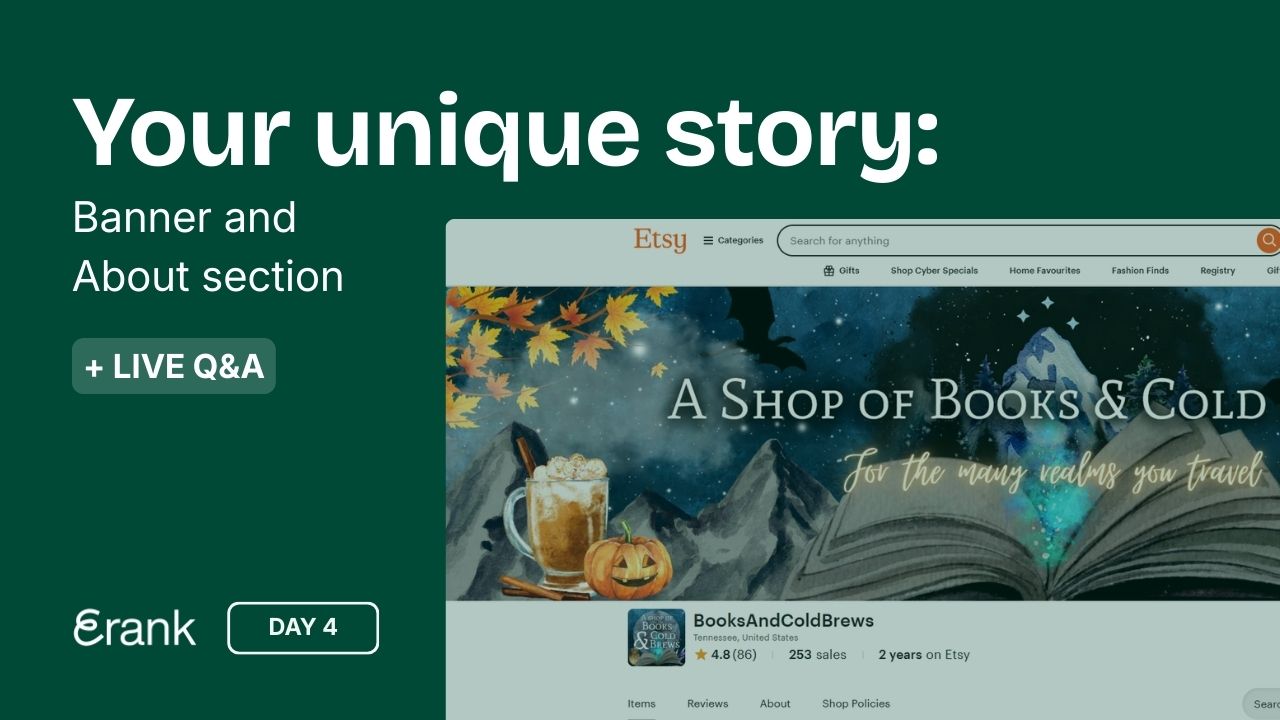



Day 4: Let’s Talk About YOU!
Now that you have a niche picked out and the types of products you want to sell, it’s time to talk about what drives you.
Why Your Story Matters
Think about where your inspiration comes from, why you decided to open an Etsy shop, your favorite place to work, where your materials are sourced, and anything else that makes your business unique!
Etsy says that having an “About” section in place can give your shop a boost in the algorithm and increase buyer (and Etsy) trust, potentially leading to a higher conversion rate.
How to Edit Your “About” Section
Follow these steps to update your shop’s “About” section:
- In your Etsy Shop Manager, go to the “Sales channels” section at the bottom of the sidebar and click the pencil icon next to your shop’s name.
- Scroll down to the “About” section and click the pencil icon to edit
- For a more detailed guide, read Etsy’s help article
If you need some ideas of the types of photos to include or what details to mention in your story, Etsy offers some inspiration in their How to Craft a Killer About Section article.

Branding: Telling Your Story Visually
Another aspect of telling your story is the branding within your shop.
This includes your shop banner and icon as well as branded physical packaging, thank you cards, and even your products themselves! Going along with our discussion about niche and target audience yesterday, your branding should be well-defined and blend cohesively with your products and business as a whole.
Consider which color palettes, fonts, and branding elements would be best for both telling your story and educating your customers on the types of products they can expect from you. For tips on how to build a cohesive theme for your shop, read our blog post Creating a Visually Appealing Etsy Shop.
Image Quality and Ratios
When creating your graphics, remember that they need to be high-quality and have the correct ratios for displaying on Etsy. Etsy provides a breakdown of the image size ratios and requirements here.
Organizing Your Shop with Sections
While we’re on the subject of making your shop appealing to shoppers, another thing to consider is how you organize your shop’s sections.
Your Etsy shop can have up to 20 sections, each of which is customizable by the seller and can be edited at any point. Shop sections are a way to organize your products into categories that make it simpler for shoppers to find the product they are looking for.
Examples of Shop Sections
There are no set rules for naming and organizing sections. However, we recommend that the names of sections reference your products’ niche. A few examples based on product niches could include:
Why Shop Sections Are Important
Having shop sections isn’t mandatory, but the keywords used to name your shop sections may be picked up by external search engines (like Google), potentially driving more traffic to your shop. Etsy also gives each shop section its own URL, making it easier to share curated links on social media and with potential buyers.
Polish Your Shop for a Professional Look
Filling out each section in your shop with the appropriate information helps you earn the trust of both the platform and shoppers. Having a "polished" and professional-looking Etsy storefront ensures that shoppers can easily browse your items while also learning the stories behind them.
Need More Help?
For more tips and guidance on branding, watch the replay of our Q&A Live with coaches Starla and Pam, originally streamed on January 15th, on our YouTube channel. Simply click the link below to watch the session at your convenience!
Day 4’s Assignments
- Complete your shop’s “About” section, including shop members and production partners (if applicable)
- Add social media links in the space Etsy provides
- Decorate your shop with a banner and icon
Your Day 4 stories to share
- Choose one of the three story templates below. Click to open, download, or screenshot it.
- Share it on Instagram to show what you’re working on today. Add a personal touch: share who your shop is for or include a question box to connect with your audience.
- Tag @erankseo, and we’ll reshare your story and cheer you on!