Day 5: Listing Audit for Etsy Search





Optimizing Your Listings
There are always opportunities to grow and further optimize your shop, regardless of whether you are new to Etsy or a seasoned seller.
Why Use the eRank Listing Audit Tool
One way to see how you can improve your listings is by using eRank’s Listing Audit tool. This tool provides a thorough analysis of:
- Listing’s title
- Statistics: views, sales, estimated conversion, favorites
- Attributes
- Tags
- Descriptions
Listing Audit highlights areas of opportunity within your listings so you can focus your efforts where they matter most.
💡 Did You Know?
The SEO tips shown within this tool align with Etsy’s best practices. Etsy’s search algorithm takes a holistic view of your listings, analyzing their titles, tags, attributes, descriptions, first photo, and reviews to help connect your items with the right shoppers.
Common Issues the Tool Flags
This tool highlights common mistakes within those areas as well as misspellings, one-word tags, and missing images. If you’re a new seller or need a refresher on SEO basics, read our Etsy SEO Basics blog post or watch coach Pam give a quick overview in less than four minutes!
How to Audit Your Listings on eRank
You’ll first need to log in to your eRank account. After you’ve logged in, go to the Main Menu on the left side of your screen and click “Listing Optimization.” Then, click “Listings” to view your active, drafted, expired, and sold out listings.
You can audit any listing under the “Active” or “Draft” tab. Hover your cursor over the listing that you’d like to analyze and click the “Listing Audit” button. This brings you to a separate page with the audit for that product.
What You’ll See in the Audit
At the top of the page, you can view key statistics for the listing such as overall views, sales, and conversion rate. This tool also displays your listing’s traffic stats so you can see where its visitors are coming from (if you have Google Analytics connected), as well as how changes you've made to the listing have impacted your views and favorites (if you are currently tracking this listing with our Changes feature).
SEO Tips and Analysis
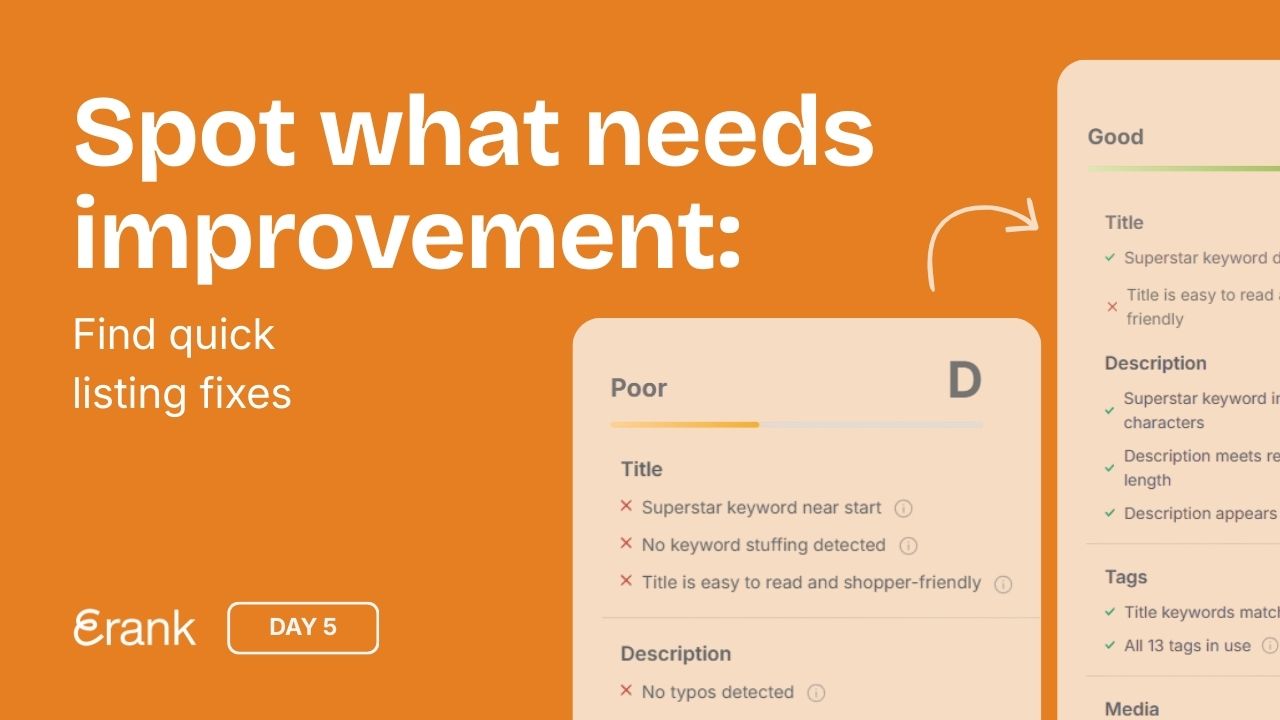
The "Listing Feedback" section on the right offers a full analysis of your listing, covering every aspect, including title, tags, description, attributes, and more. View your listing's letter grade at the top of this area. This is a grade that eRank assigns to your listing. Please note that the grade does not reflect how “good” your SEO is, but rather how well we believe it is following Etsy's best practices.
Below the grade, this area acts as a checklist for your listing and offers guidance for improvement. Toggle between the "All" and "Tips" tabs to see the areas flagged with potential optimization suggestions. These are usually “quick wins” that can make a big difference in your item’s search visibility!
For paid eRank members, the full keyword statistics show for all tags within the listing, giving an easy way to learn which keywords have the highest opportunities for ranking, and which may need some reworking.
Using Your Keyword List
Remember the keyword list you started earlier? You can add keywords from your tags directly to a keyword list by clicking the star next to that tag.
If you’d like a deeper walkthrough of the tool, you can explore our Listing Audit help guide and watch this quick overview video:
Where to Start Today
Pick a listing that needs attention—something with:
- Low views
- No recent sales
- Outdated information
- A D or E grade in the Listing Audit tool (as long as it’s not already performing well).
Day 5’s Assignments
- Read Etsy’s How Etsy Search Works article
- Perform at least one Listing Audit for your shop
- Before making any changes, add your chosen listing(s) to the Listing Change Tracker so you can monitor the impact of your updates. Free plans can track 1 listing, Pro plans up to 20 listings, and Expert plans up to 50 listings.
- Choose three things within a listing to revise (title, three tags, description, add missing photos, etc.)
Your Day 5 stories to share
- Choose one of the three story templates below. Click to open, download, or screenshot it.
- Share it on Instagram to show what you’re working on today. Add a personal touch: share who your shop is for or include a question box to connect with your audience.
- Tag @erankseo, and we’ll reshare your story and cheer you on!